
No database. The store is the state.
Every artifact, index and setting is an object in your store. There is nothing to provision beside it and no schema to migrate, and a backup is a copy of a bucket.
A repository is a file server
An artifact repository is a file server with stability and security in focus: it keeps files, serves them and guards what comes in. Yet it is commonly run as a composition of many services - a database, a search index, a cache and more, each to operate, back up and upgrade. Jenesis Repository is built like the file server it is: one server that keeps everything it knows in the storage you already trust, a bucket or a disk, for Maven, npm, PyPI, container images and more than twenty ecosystems in all.
$ docker run -d --name jenesis -p 8080:8080 \
    -v jenesis-data:/data \
    -e JENREPO_FILESYSTEM_ROOT=/data \
    jenesisbuild/jenesis-repository
$ docker logs jenesis
============================================================

   WELCOME TO JENESIS REPOSITORY

   Nobody can sign in yet, so here is a one-time key
   to get started:

       jfr_Qm9vdHN0cmFwIHRoZSByZXBvc2l0b3J5

   Open http://localhost:8080 (or this server's address),
   choose "Sign in with a key" and paste it. The setup
   guide opens after you sign in.

============================================================
The idea
Most of the work of running a repository is keeping its state consistent: a database beside the bytes, an index beside the database, a cache beside both. Jenesis Repository has one place for state, and it is yours.
Every artifact, index and setting is an object in your store. There is nothing to provision beside it and no schema to migrate, and a backup is a copy of a bucket.
Listings, indexes and what each repository holds are rebuilt from the artifacts themselves. Lose a view or stop a server half way through a write, and the repository converges back on its own.
A server holds nothing of its own. Replace it, scale it out or stop it mid-request - the next one carries on from the store, and several servers coordinate through the store alone.
What you do not run beside it
Storage
Point it at a bucket and it is running on that cloud's own object store, with that cloud's durability, encryption and replication. Moving from one object store to another is a copy of the bucket and the new store's settings.
JENREPO_STORE=s3
JENREPO_S3_BUCKET=my-artifacts
JENREPO_S3_REGION=eu-central-1Each one is written to provision the store, select it and start the server, so the first start already lives on the cloud's own storage. Adapt it to your account's network and access rules.
Scale
Because the store is the only state, growing is a question of how many servers read it and where the store is replicated - never of how to keep a database in step.
A container and a volume. It is a real deployment, not a trial: the same server, the same store layout, the same screens.
Put several behind a load balancer. They coordinate through the store, share the background work, and can compare notes on what each has seen.
Replicate the bucket with your provider's own replication and run a read-only server in the second region. It serves downloads right away, and becomes the primary with one setting and a restart. There is no database to fail over beside it.
Running cost
With no database, no search cluster and no cache tier, a deployment costs the container it runs in and what its storage costs: gigabytes held, gigabytes downloaded, and the requests the server makes.
It also gives your team its time back: no backups to rehearse, no schema migrations, no failover drills.
Read the cost model in detail →One repository for everything you build
Each client speaks its own protocol at its own URL and presents the same kind of key. Host your own packages, proxy and cache the public registries, and group the two behind one address.
Sign-in through OpenID Connect, GitHub, LDAP or Active Directory, or with a login key. Keys scoped to a repository and a path, expiring after 90 days by default and rotated with an overlap - and keyless CI, which trades a job's identity token for a short-lived key.
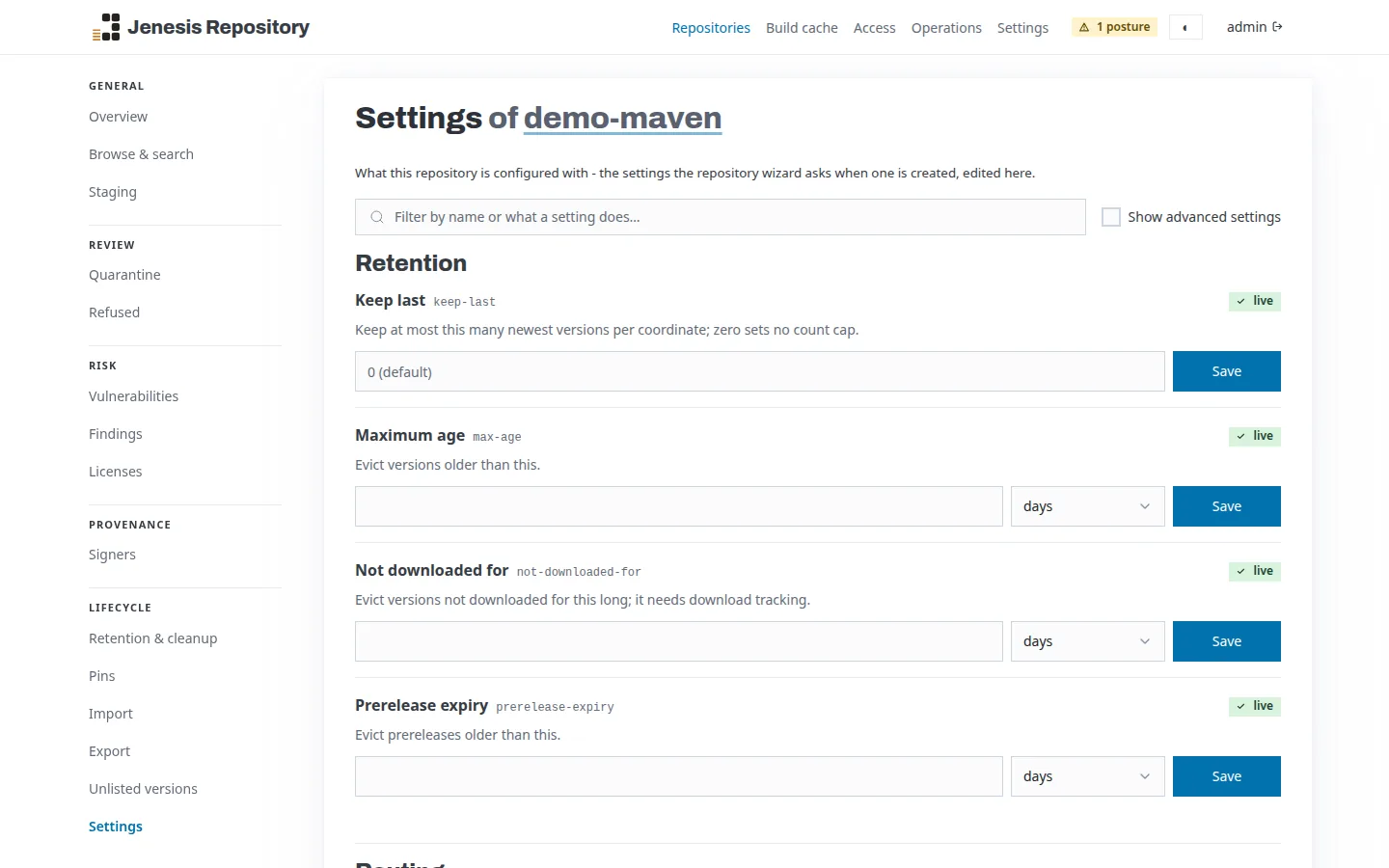
Stage a release, then promote or drop it. Retention rules set for the deployment, a tenant or one repository, with a preview and pins, and each distinct file stored once, however many versions and formats refer to it.
Import from another repository manager, any Maven repository or another Jenesis Repository, in resumable jobs - or upload a zip.
A console for people, with wizards that create a repository together with its settings, and an API for
scripts. The jenrepo command, from Homebrew, Scoop or mise, drives all of it from a terminal,
with JSON output for programs. Health, metrics and log endpoints, signed webhooks and a rate limit per
tenant come with it.
Build cache
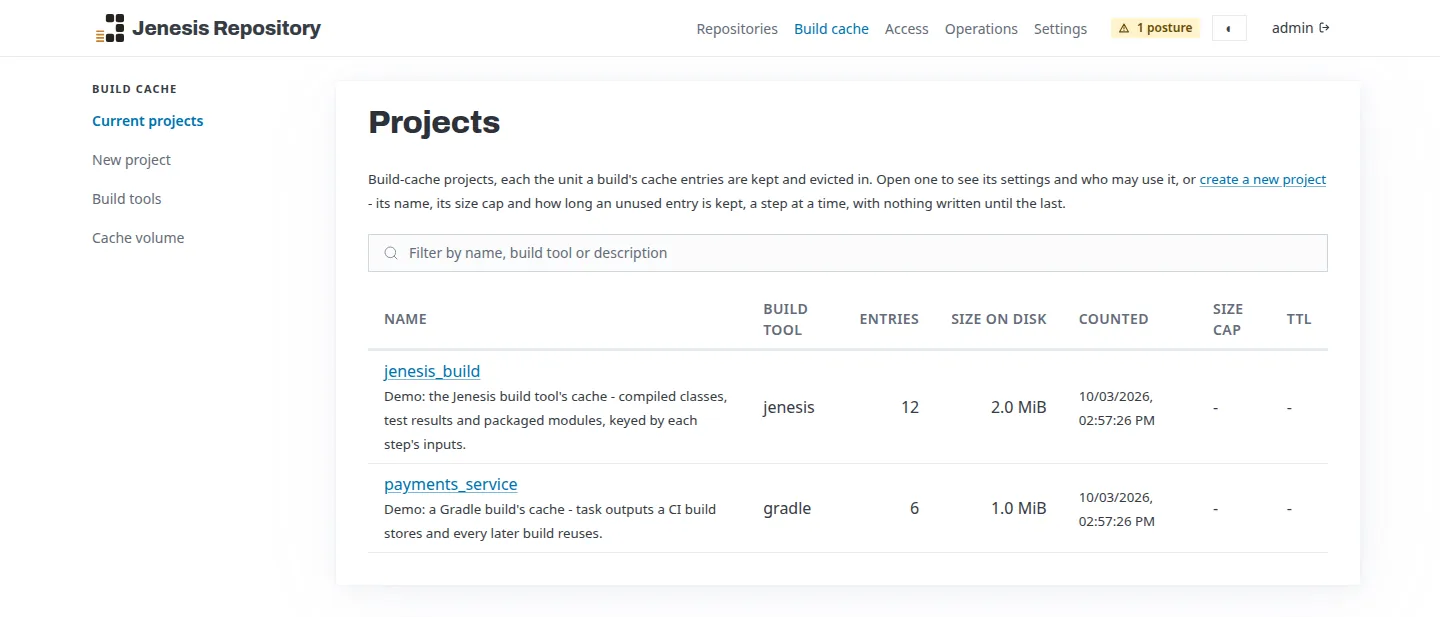
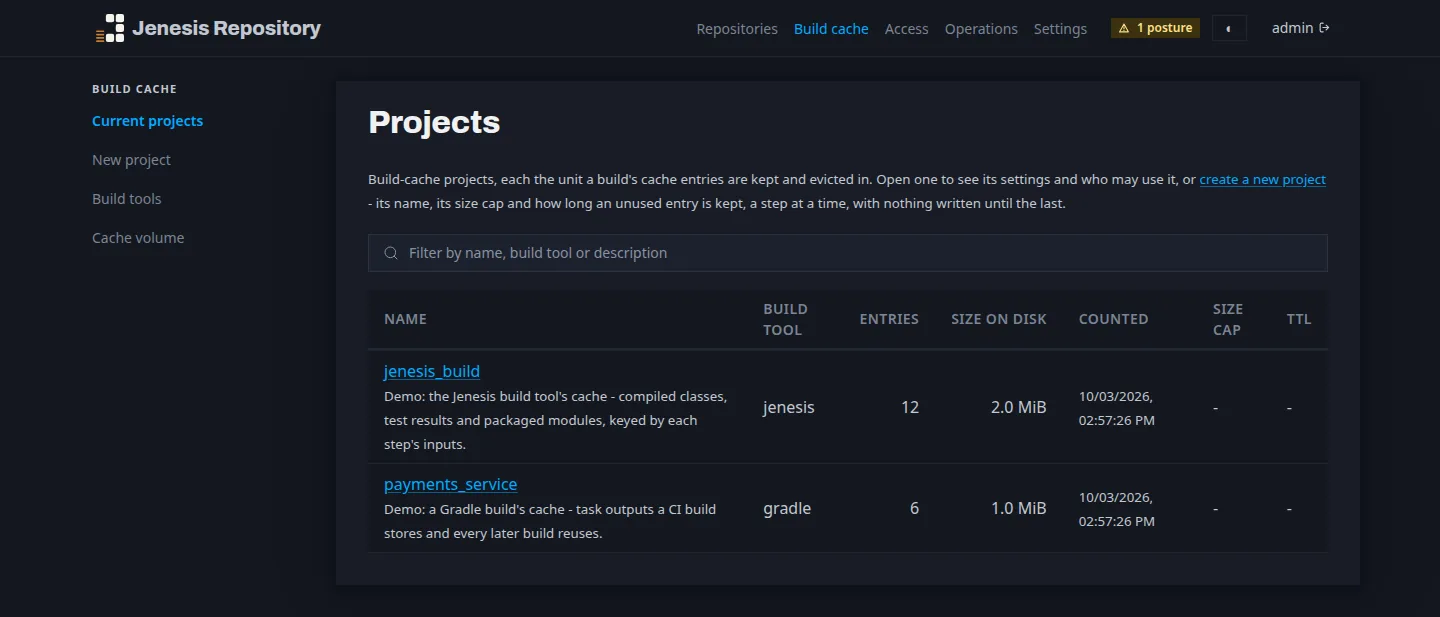
The same server keeps a remote build cache for the Jenesis build tool, Gradle, Maven and Bazel, each through its own protocol. A build that finds a step's result there downloads it instead of running the step, whether a colleague's machine or an earlier CI job did the work. It answers on the same port with the same keys, and is divided into projects, so a trusted main branch and untrusted pull requests need not share results.
Set up the build cache →The console
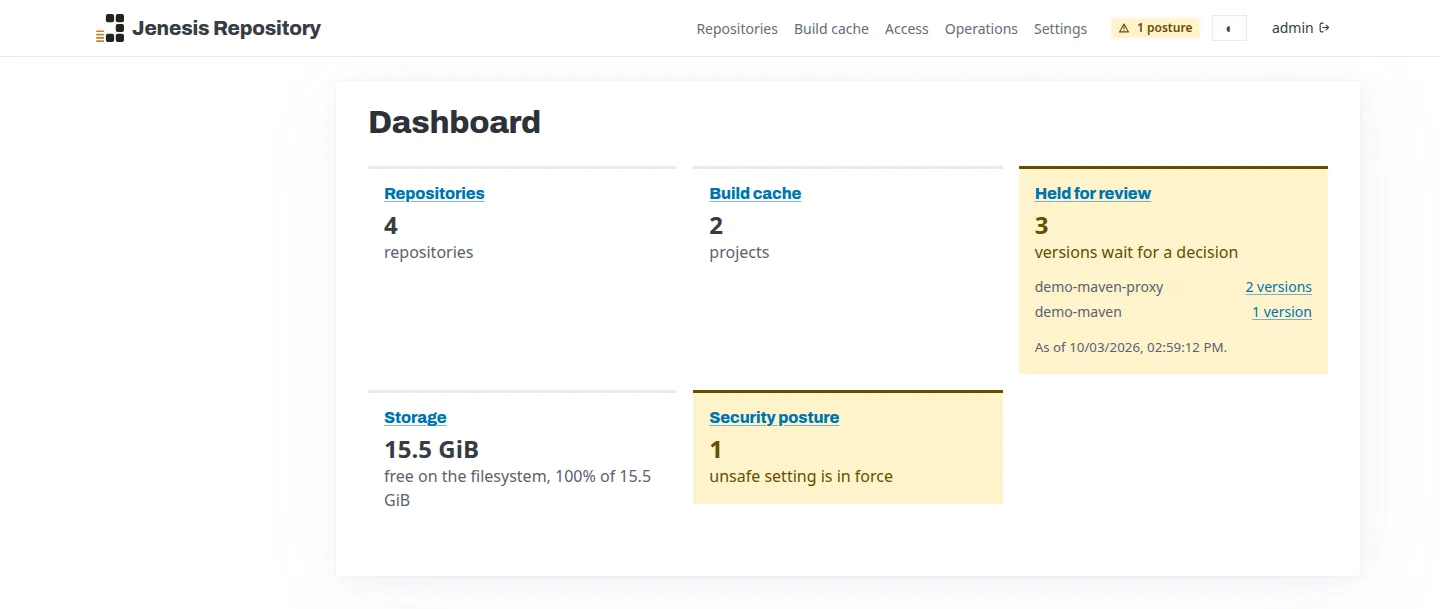
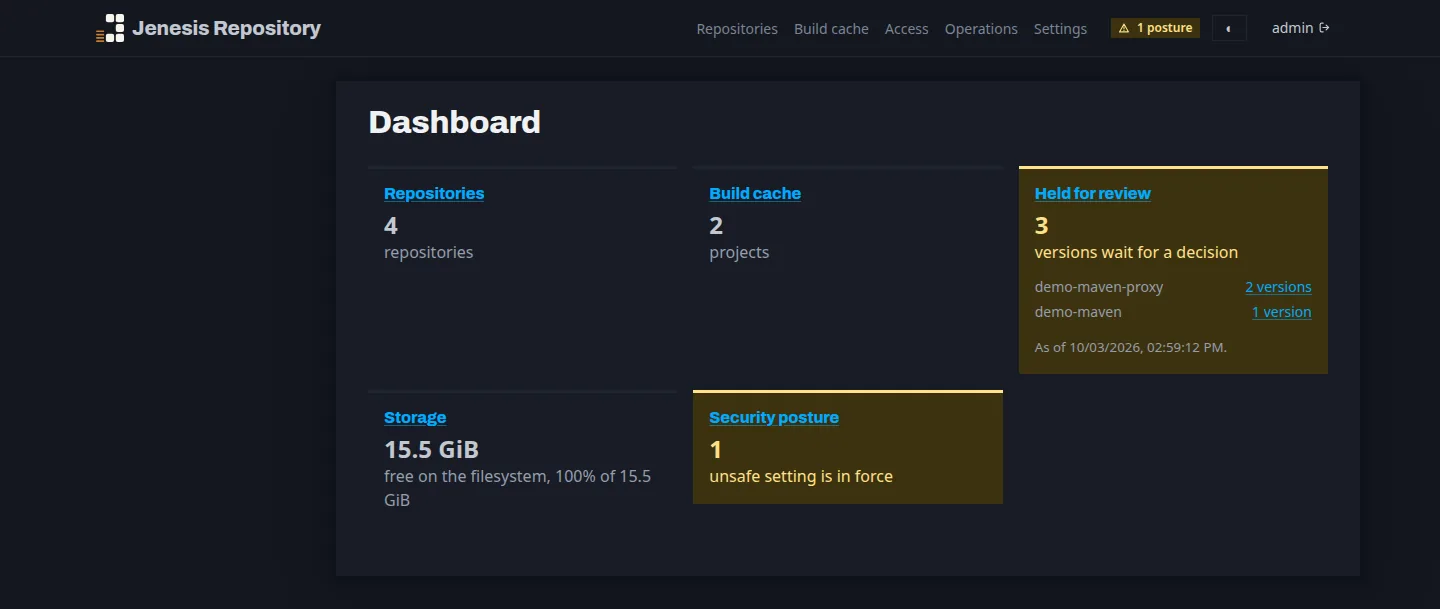
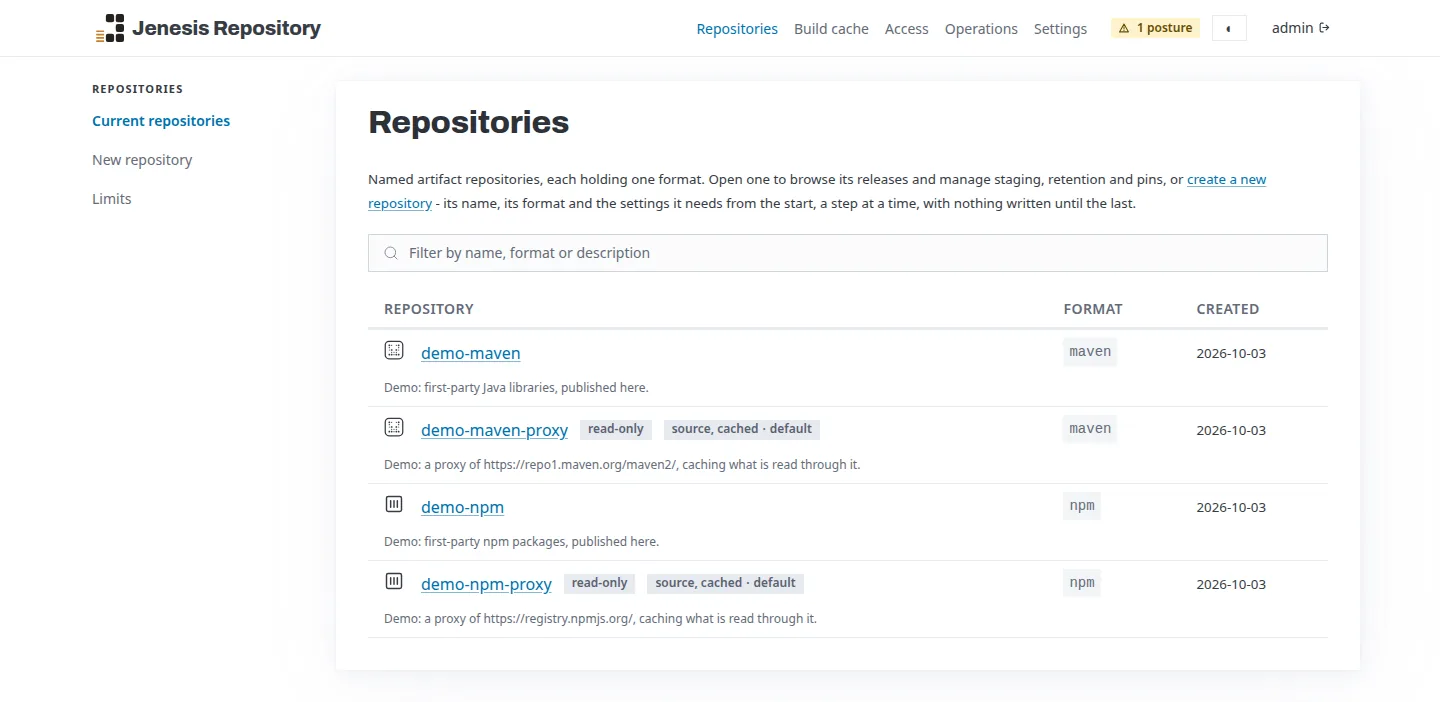
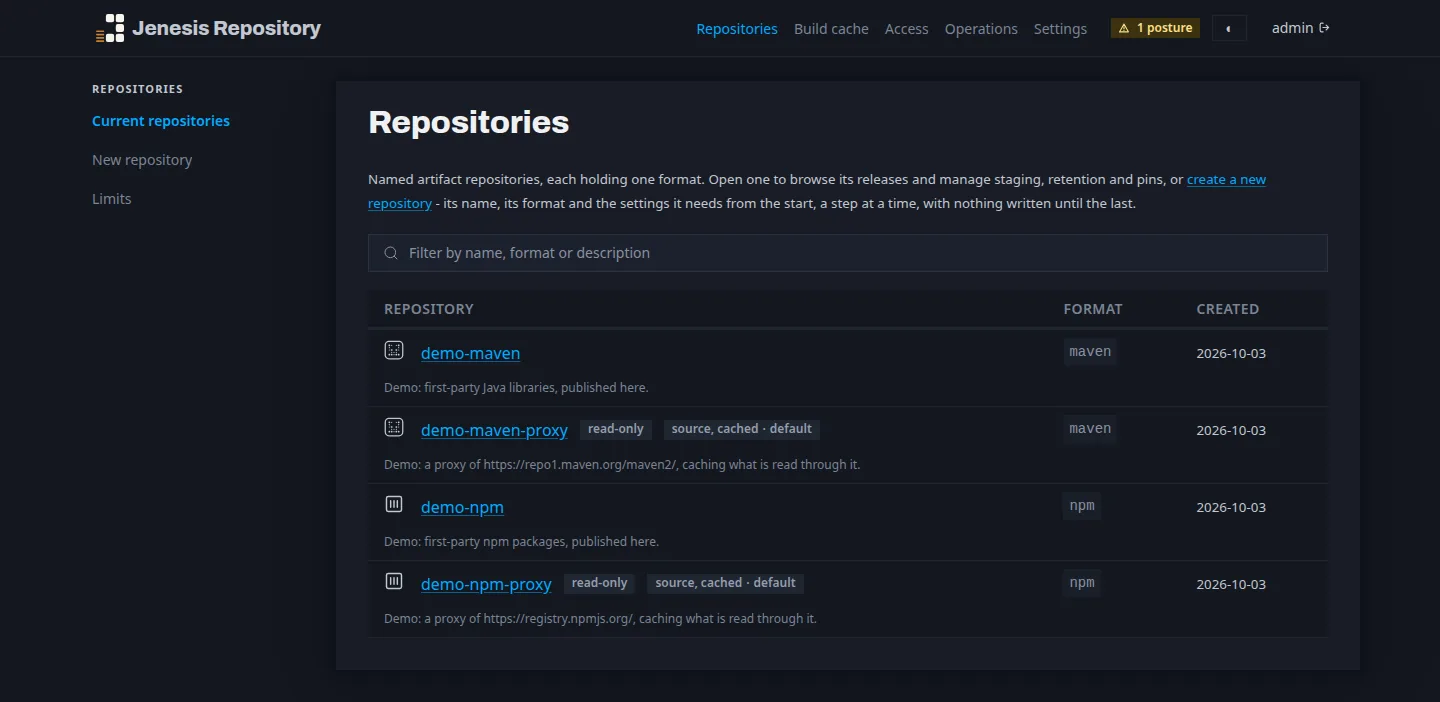
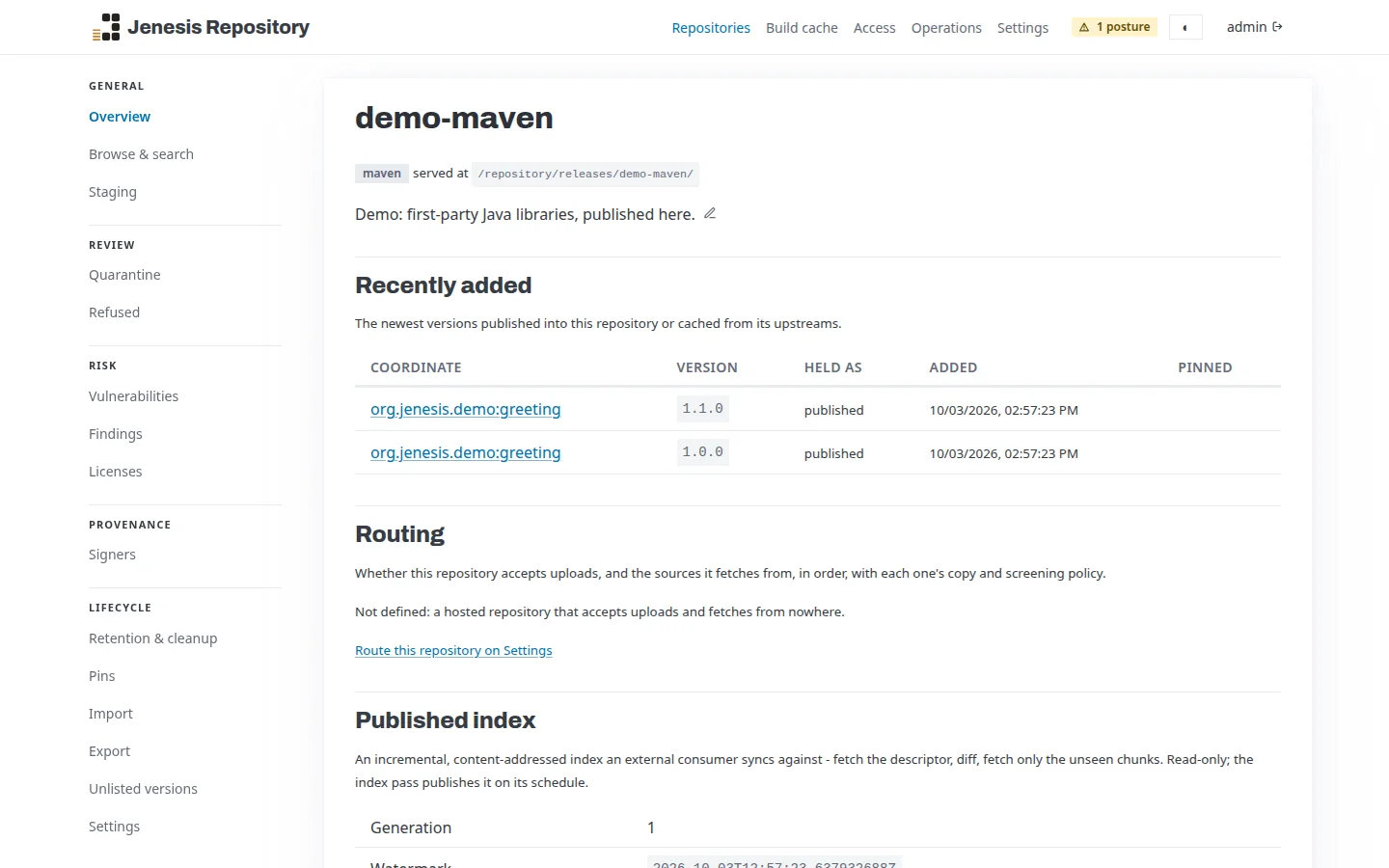
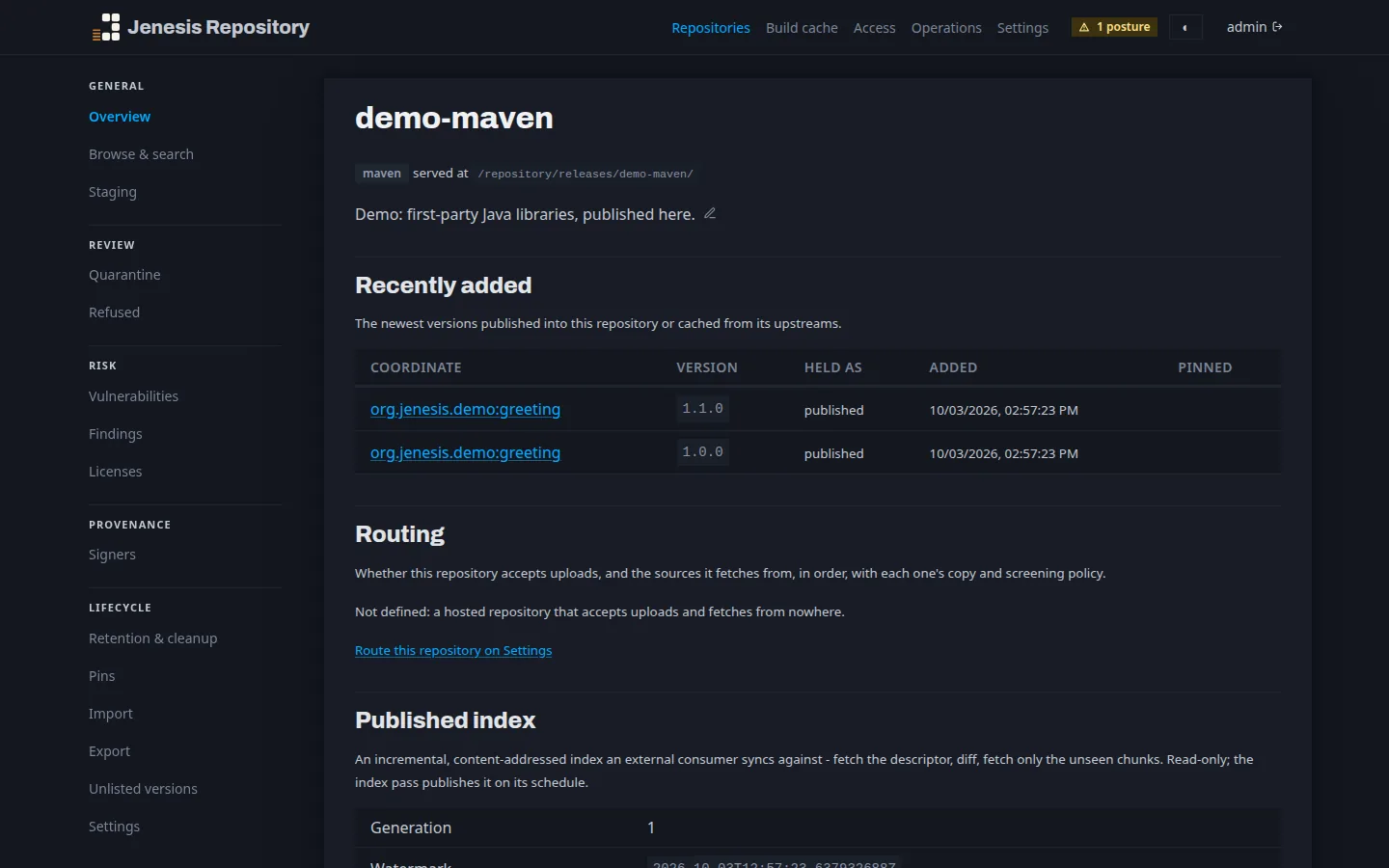
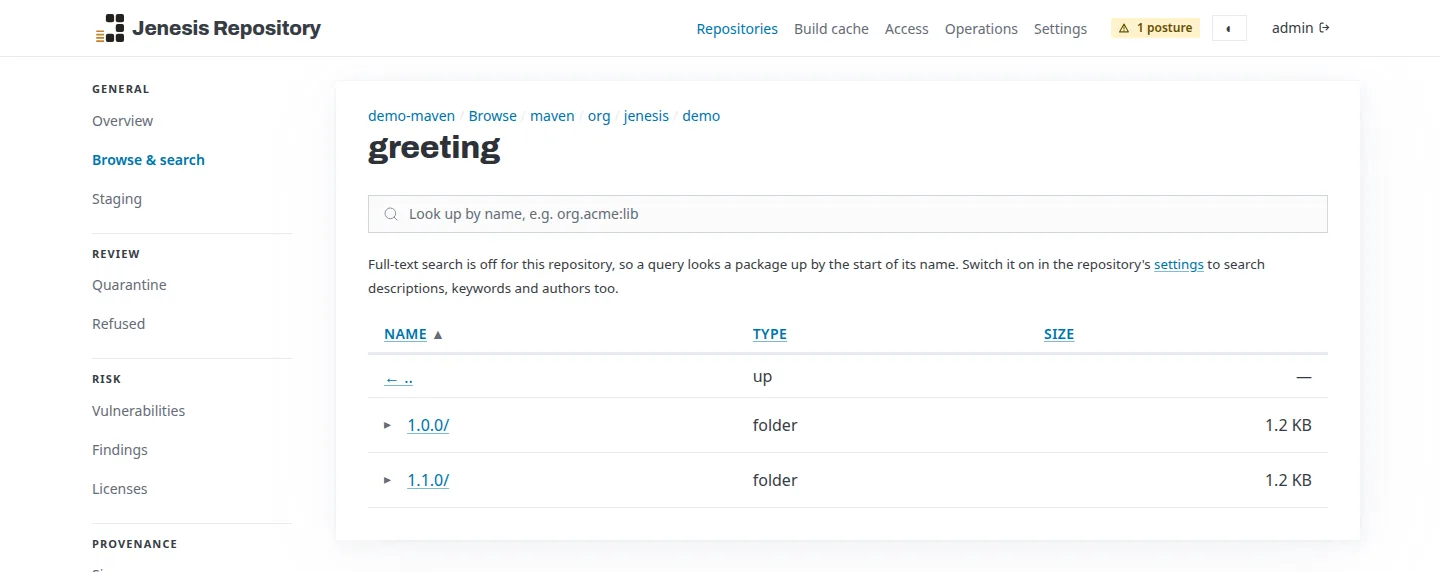
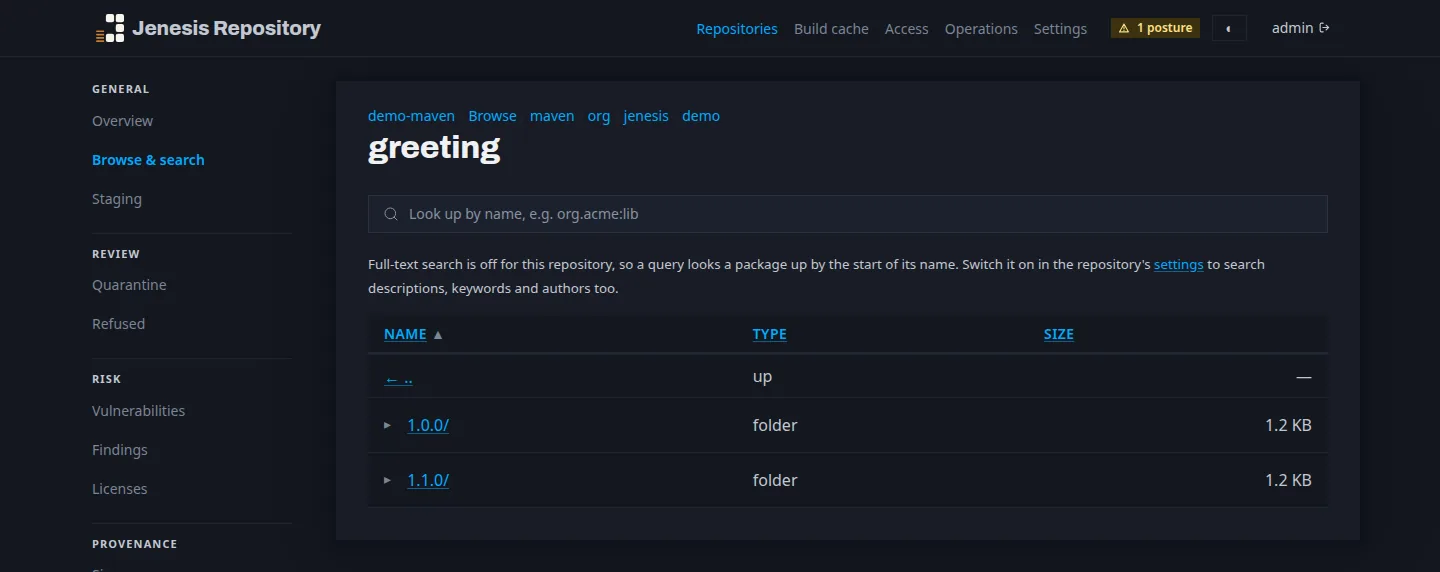
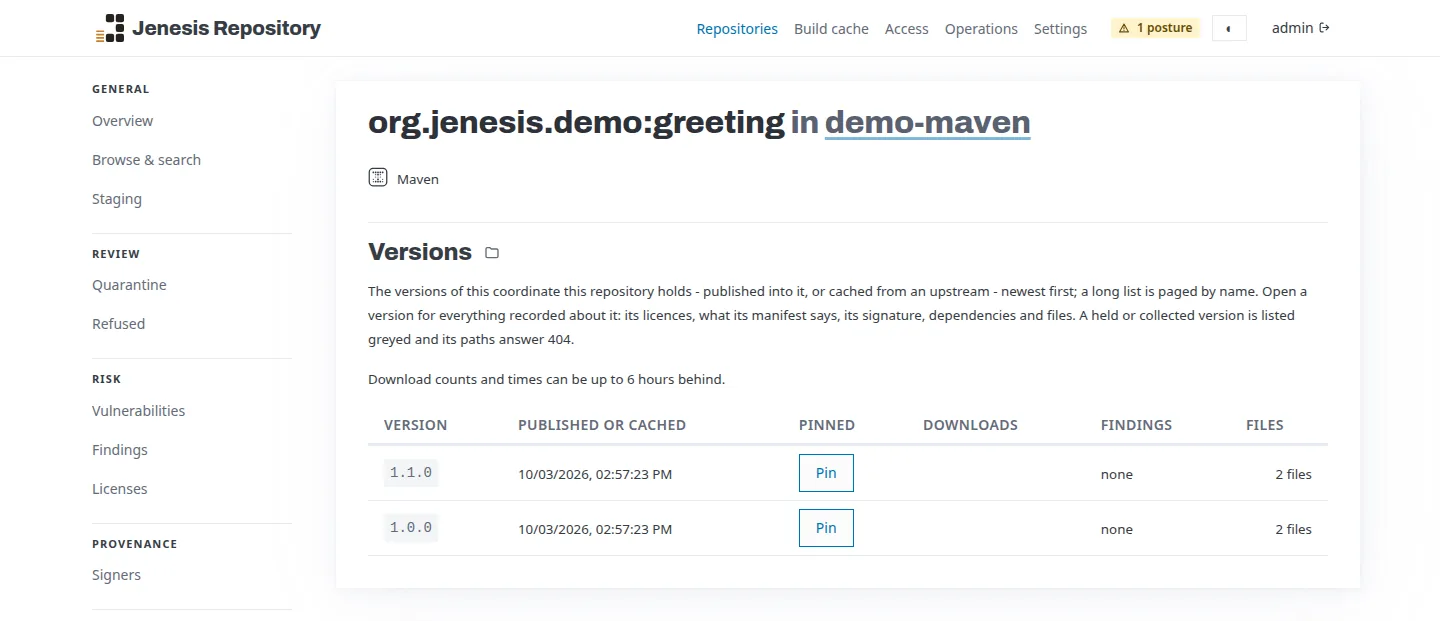
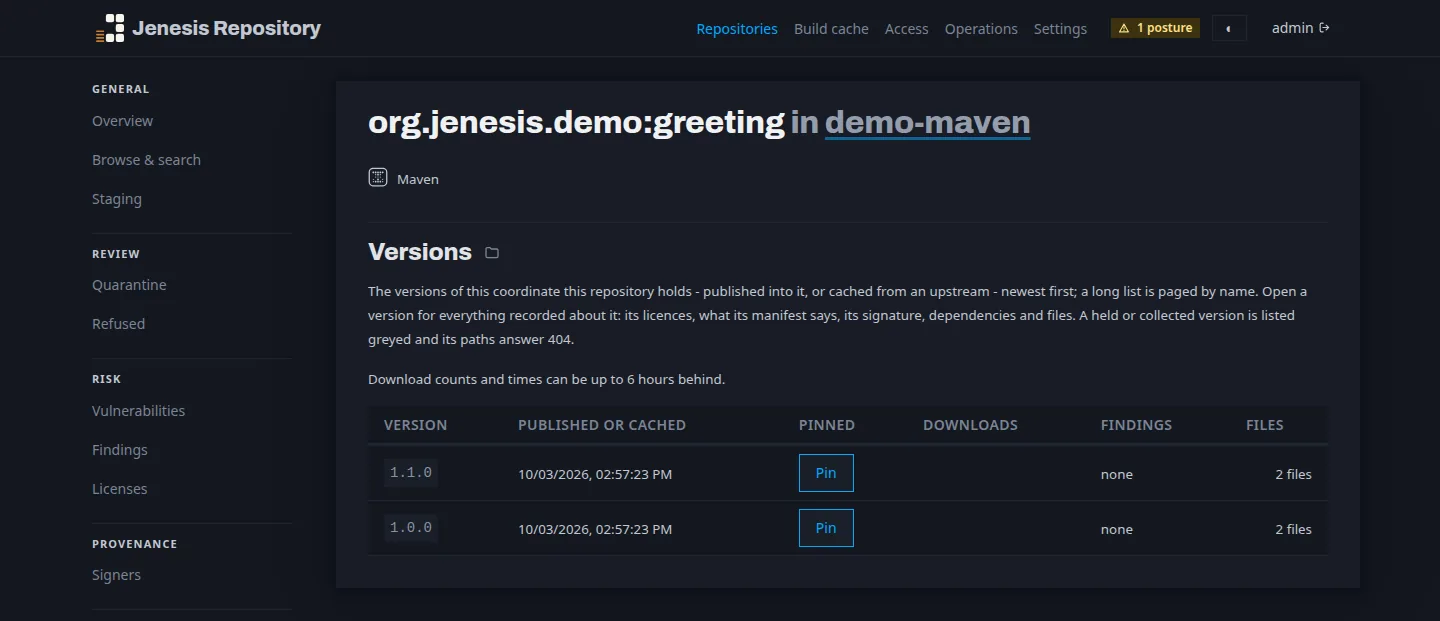
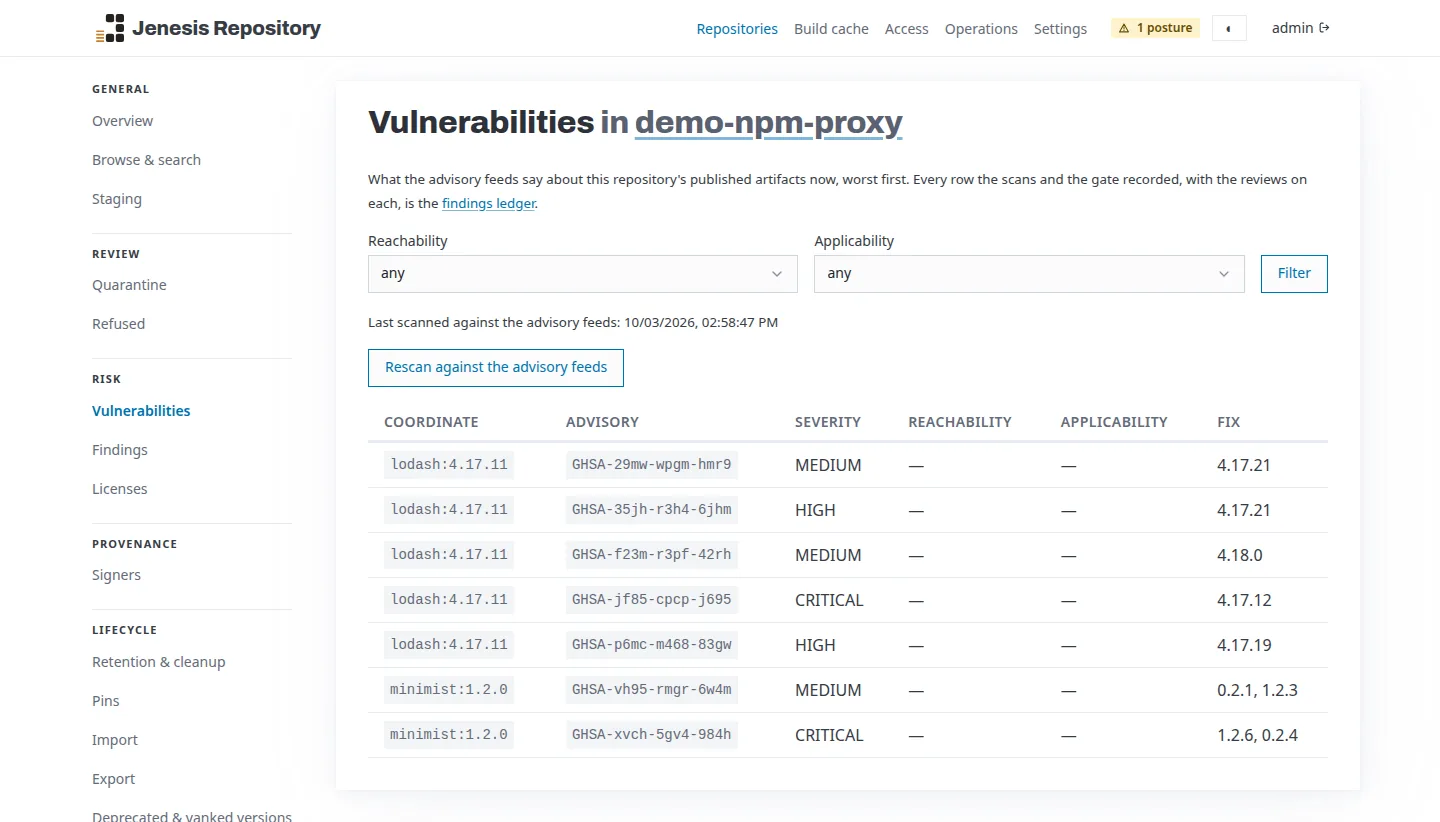
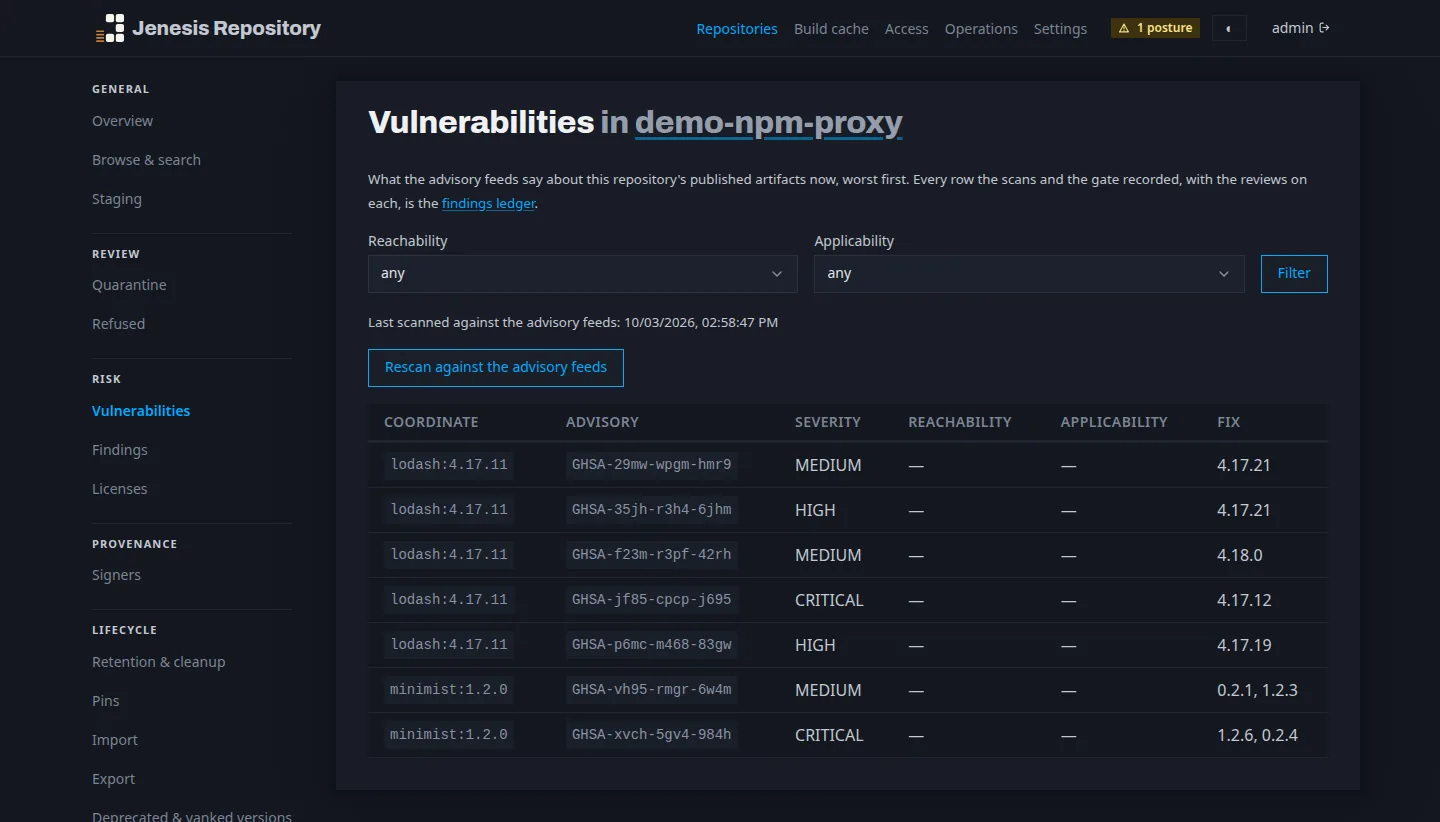
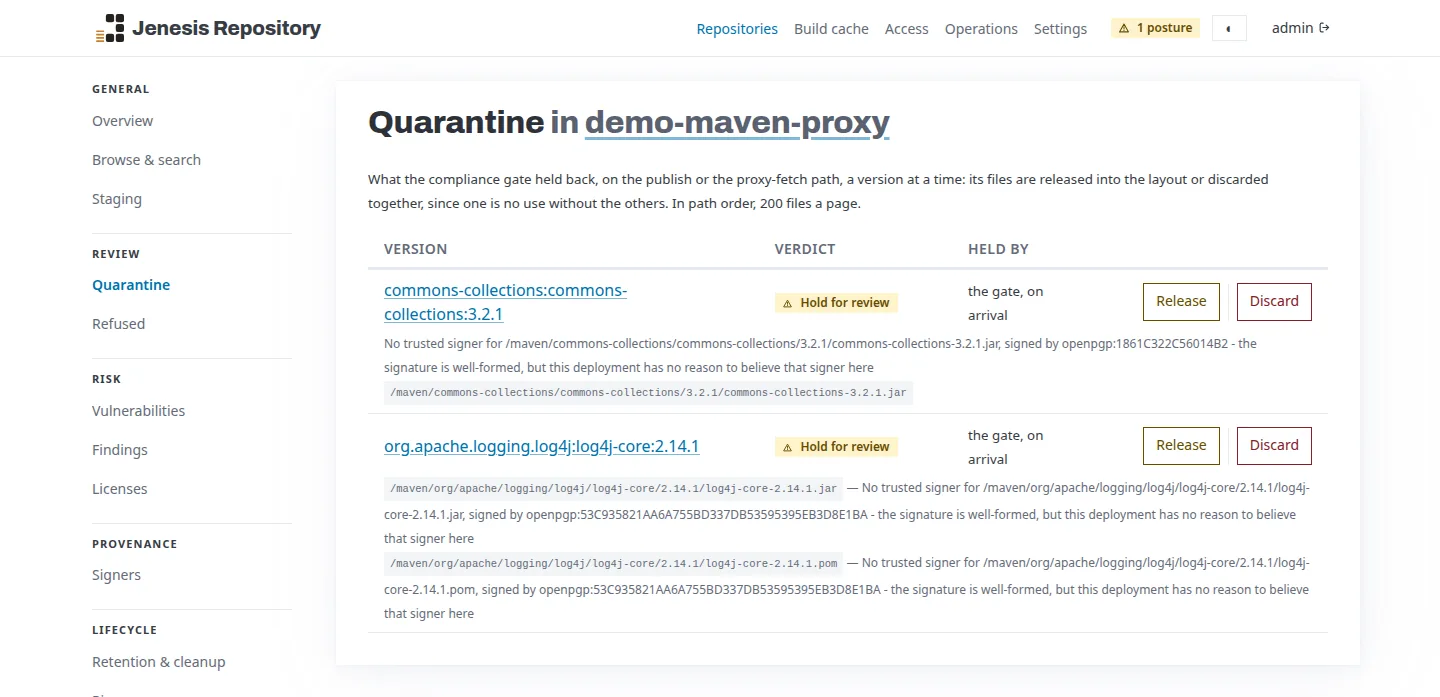
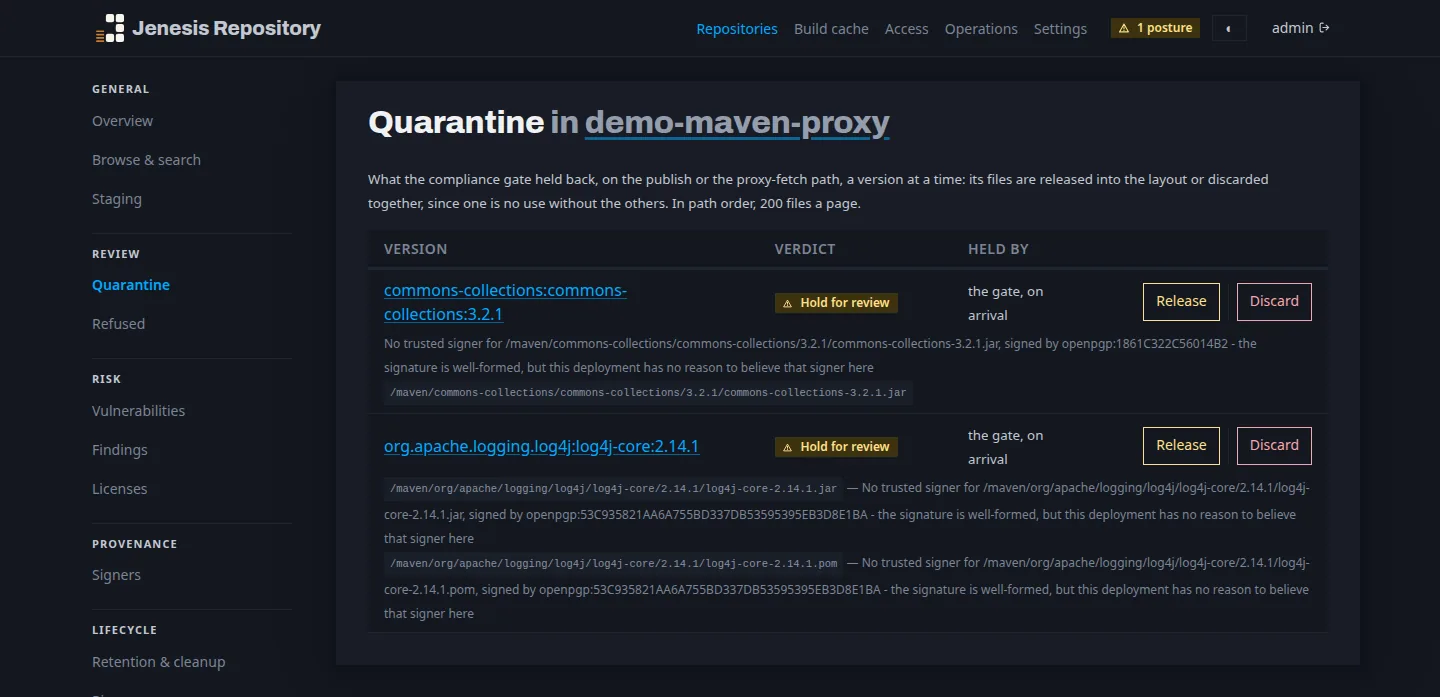
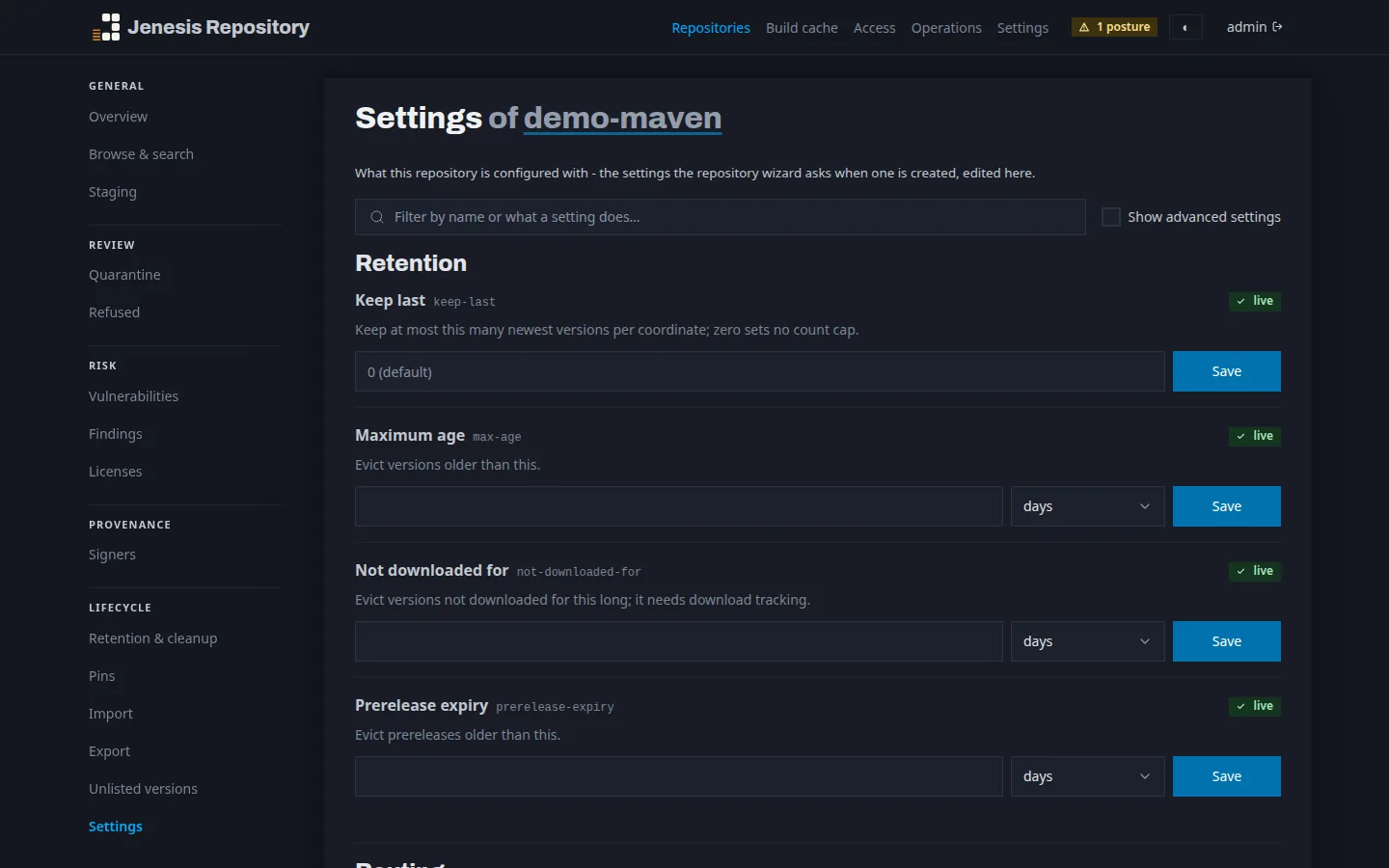
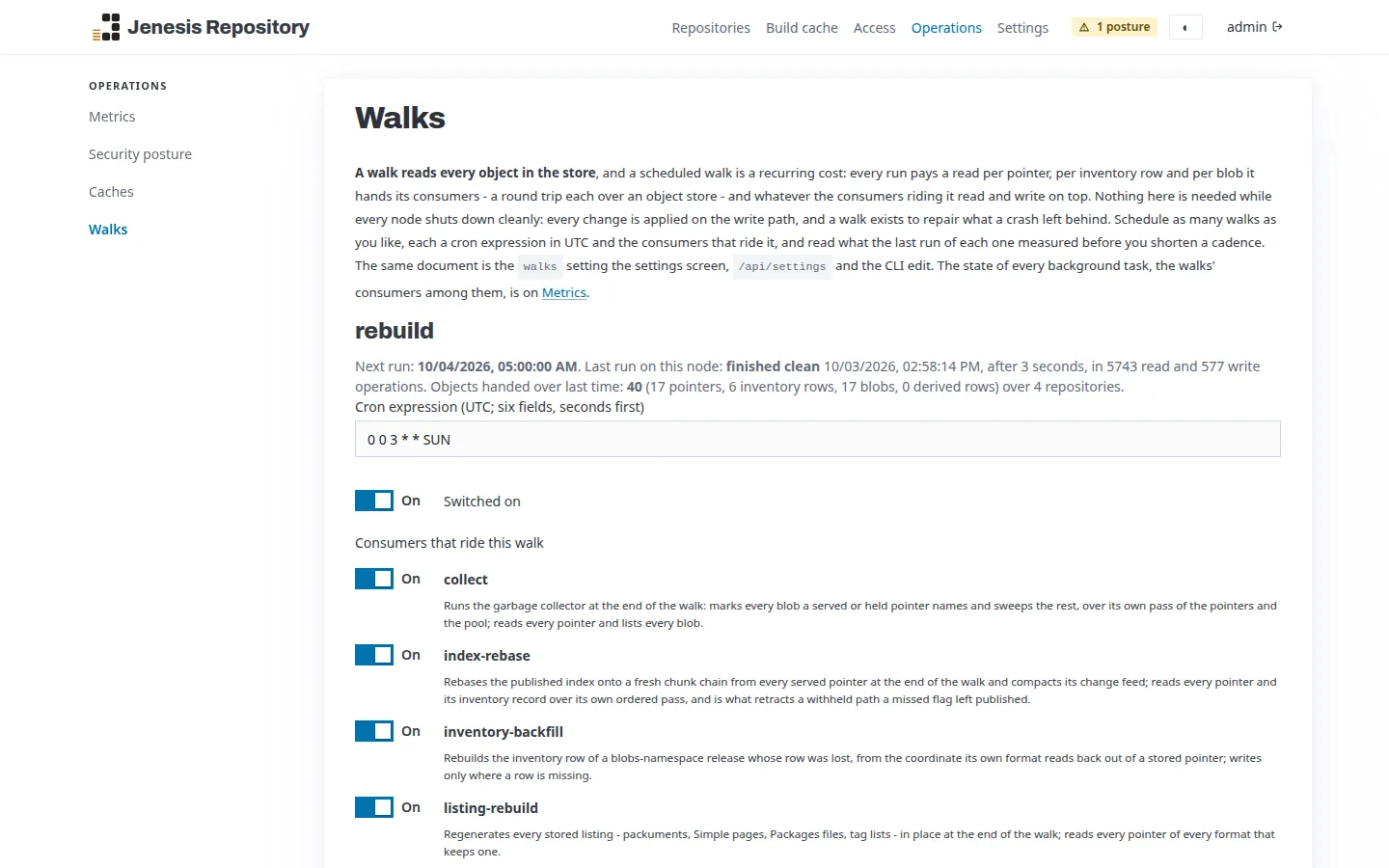
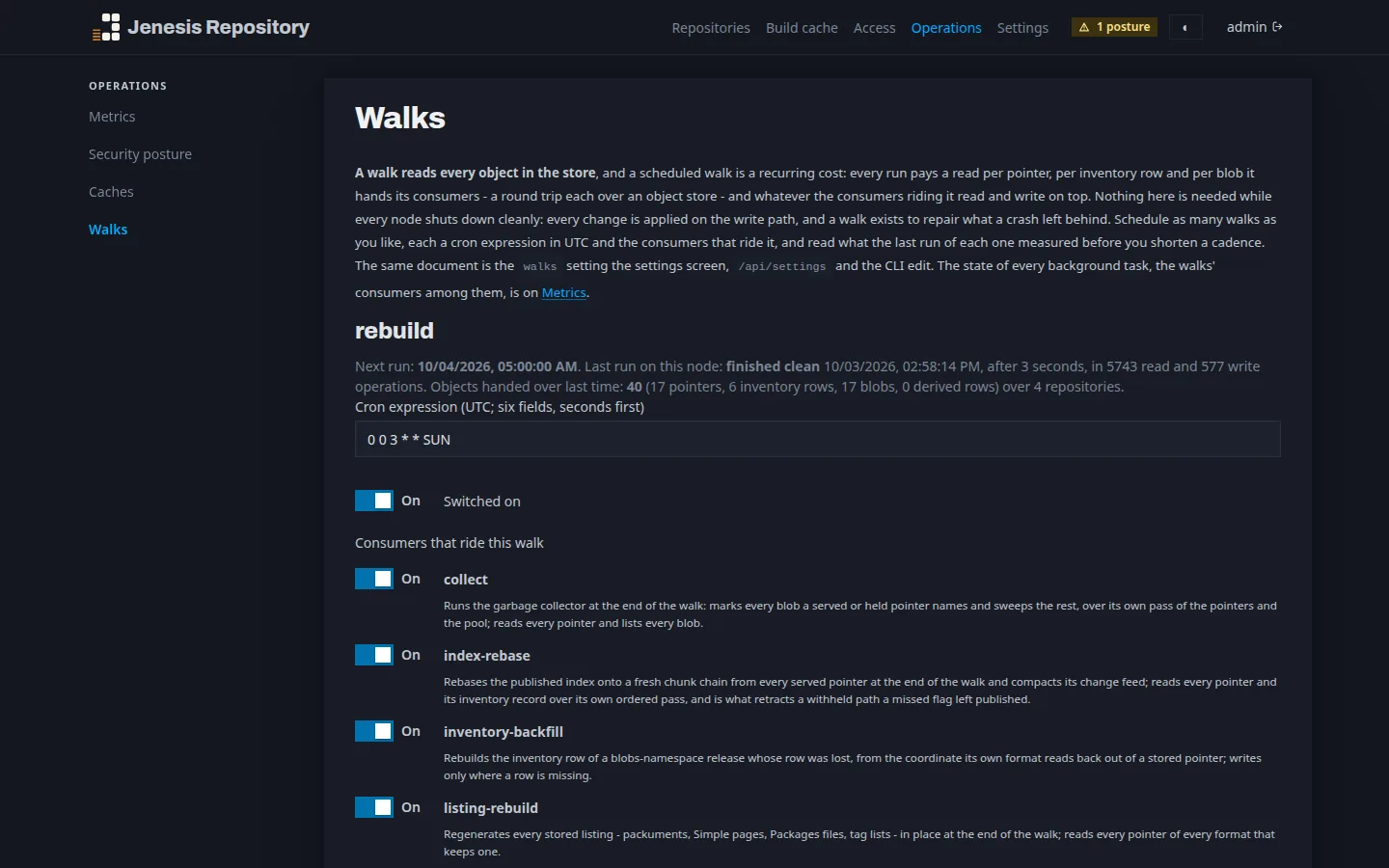
A web console comes with the server, on the same port. It shows what each repository holds and where it came from, what the advisory feeds say about it, what the gate held back, and every setting at the level it is set - and a wizard creates a repository with its settings in one step. The screens below are of a fresh deployment the first-run demo filled.
Security
Every upload and every package fetched from a public registry passes the same gate before anyone can download it. What fails is refused or held for review - and everything it holds, the copies cached from upstream included, is checked again every hour.
Critical vulnerabilities, known malware and your deny list are refused by default. Rules of your own quarantine or refuse by ecosystem, version, licence or severity, and a review queue releases or discards what is held.
OSV, the GitHub Advisory Database and OpenSSF's malicious-packages records, switched on as you choose. A feed that cannot be reached holds a package rather than letting it through.
A version its upstream dates to the last two days is held before it is served. Upstream checksums are verified, and plaintext and private addresses are refused as upstreams.
OpenPGP keys and X.509 certificate chains you trust, a signer pinned per namespace, a broken signature refused and a changed signer held for review.
Built for reliability
Jenesis Repository is built by one of the maintainers of Mockito and Byte Buddy, and it is tested against real infrastructure - real clients, real object stores, real fleets of servers - not mocks of it.
Get started
A fresh start prints a one-time key, and signing in with it opens the setup wizard. Pick where to run it:
Start the server with a volume for its store.
docker run -d --name jenesis -p 8080:8080 \
  -v jenesis-data:/data -e JENREPO_FILESYSTEM_ROOT=/data \
  jenesisbuild/jenesis-repository
Read the one-time key from its log.
docker logs jenesisOpen http://localhost:8080, choose Sign in with a key, and follow the setup
wizard.
Install the chart - on a volume, or on any object store with its values beside it.
helm install jenesis \
  oci://registry-1.docker.io/jenesisbuild/jenesis --version 0.3.0 \
  --set store.backend=s3 \
  --set store.s3.bucket=my-artifacts
Probes, a service and an optional ingress come with it; any other setting is a value.
Take the template for your cloud - CloudFormation for AWS, Terraform for Google Cloud and Scaleway,
Bicep for Azure - from the repository's deploy folder.
Deploy it with two starter secrets - a bootstrap key and the console's administrator key. The store is provisioned and selected, and the server starts on it.
terraform -chdir=deploy/gcp apply \
  -var project_id=my-project -var bucket_name=my-artifacts \
-var 'secrets={JENREPO_BOOTSTRAP_KEY="jenk_...", JENREPO_UI_ADMIN_KEY="..."}'Open source
Every capability is a module behind a small service interface. Leave out what you do not need, and add what you do by implementing one interface and putting the jar on the module path.
Its roots are in Java, but every ecosystem above is served as a first-class citizen.
Commercial help
Planning a rollout, migrating an existing repository, running it at scale, or building on Jenesis and its related tools - we can help, from a first conversation to ongoing support.
Get in touchhello@jenesis.build
That is the point of it. Build tools and CI pipelines resolve artifacts by their coordinates, download and upload them, and read the metadata that goes with them. The established repository managers keep those artifacts in a blob store or on a file system as well; their database mainly serves the features built on top. Jenesis Repository aligns its architecture with that primary need and meets the rest without adding a constraint of its own: the store is the system of record. That has only recently become feasible. It takes compare-and-swap writes, which Google Cloud Storage and Azure Blob Storage have offered for years and Amazon S3 added in 2024, so that every major cloud's object store now provides them. On start, the server checks that the store offers these conditional writes, and refuses one that does not.
Copy the store. On an object store that is the provider's versioning or replication; on a filesystem, any incremental file backup or snapshot will do. There is nothing else to capture.
The artifacts are the truth. Scheduled walks rebuild every listing and index from them, and the operations screen shows when each one ran.
Yes. It imports from a running repository through that repository's own protocols, and can proxy an existing one while you move, so builds keep working throughout.
Then it helps you leave. It publishes every artifact of a repository to another repository of your choice, its API lists every artifact with its checksum, the settings export as one bundle, and each ecosystem is served through its standard protocol. Throughout, your artifacts stay in your own bucket or on your own disk.
Because repository managers grew up there. Java's large open source community built the first ones, and Java servers have run organisations' artifact repositories for two decades - the platform is proven at exactly this job, at scale.
And it brings what the job needs: mature integrations for each cloud's object store, single sign-on and directories; a JIT compiler that turns hot code into native machine code and keeps tuning it to the workload; and memory safety, so a bug fails loudly instead of corrupting what every build downloads. Proven, fast and safe - Jenesis Repository keeps that tradition, on Java 25.
No. It began as a more modern package manager for Java modules, which resolves a module by its name and is served beside the traditional Maven packages. From there it grew to the many other package formats, and it is no longer focused on any one ecosystem: each is treated the same way, from container images to Python packages to machine-learning models.